Best IT Support for Businesses in Pensacola
Best IT Support for Businesses in Pensacola: A Simple Guide to Finding the Right Fit
If your computers crash at the worst possible moment, your website goes down during a sale, or you have no idea who to call when something "techy" breaks, you're not alone. Most small business owners didn't sign up to be IT experts, and you shouldn't have to be. That's where good IT support for businesses comes in.
This guide breaks down, in plain English, how to find the best IT support in Pensacola, what it should cost, what to watch out for, and how to tell a great provider from a mediocre one.
What Does "IT Support" Actually Mean?
Before diving in, let's clear up the basics. IT support (short for "information technology support") is a service that helps your business with anything computer- or internet-related, including:
Fixing slow, frozen, or broken computers
Keeping your data safe from hackers, viruses, and scams
Setting up new employees with email, software, and logins
Backing up important files so you never lose them
Managing your Wi-Fi, servers, and internet connection
Answering the phone when something just stops working
Keeping your software updated so security holes get patched
There are two main ways companies deliver this help, and knowing the difference matters:
Break-fix support means you only call when something is already broken. You pay per visit or per hour, and there's no ongoing monitoring in between. It can work for very small operations with simple setups, but problems tend to pile up unnoticed until they become expensive emergencies.
Managed IT services means a team monitors your systems continuously, usually for a flat monthly fee, and steps in before small issues turn into big ones. Most growing businesses eventually move toward this model because it's more predictable and prevents costly downtime.
Why Pensacola Businesses Need Local IT Support
You could hire a national call-center company, but there are real advantages to choosing local IT support in Pensacola:
Faster response times. A technician who's ten minutes away can be on-site the same day, not the same week. National providers often route you through a ticket queue with no on-site option at all.
Familiarity with the area. Local providers know common regional issues, like power surges and outages from Gulf Coast storms, and can help you prepare a hurricane-season data backup and recovery plan before it's needed.
Personal relationships. You're a name and a face, not a ticket number in a queue. You'll likely work with the same one or two technicians who get to know your setup over time.
Community accountability. Local companies rely heavily on word of mouth and local reputation, so they tend to go the extra mile to keep clients happy and responsive.
Better understanding of local regulations. If you're in healthcare, finance, or legal services, a local provider is more likely to already understand Florida-specific compliance requirements.
Signs You Need Better IT Support
Not sure if it's time to make a change? Here are some common warning signs business owners report:
You're constantly waiting on hold or emailing into a void when something breaks.
Your current provider only shows up after something has already gone wrong, instead of catching it early.
You've had a data loss scare, a hack, or a scam email slip through and land in an employee's inbox.
Nobody has ever clearly explained your data backup plan, or you're not sure one even exists.
Your team spends more time fighting technology than using it to get work done.
You've been billed for surprise hours you didn't expect or approve.
You don't know how your business would recover if your computers or servers went down tomorrow.
If two or more of these sound familiar, it's worth exploring other options before a small issue becomes a costly one.
How to Choose the Right IT Company in Pensacola
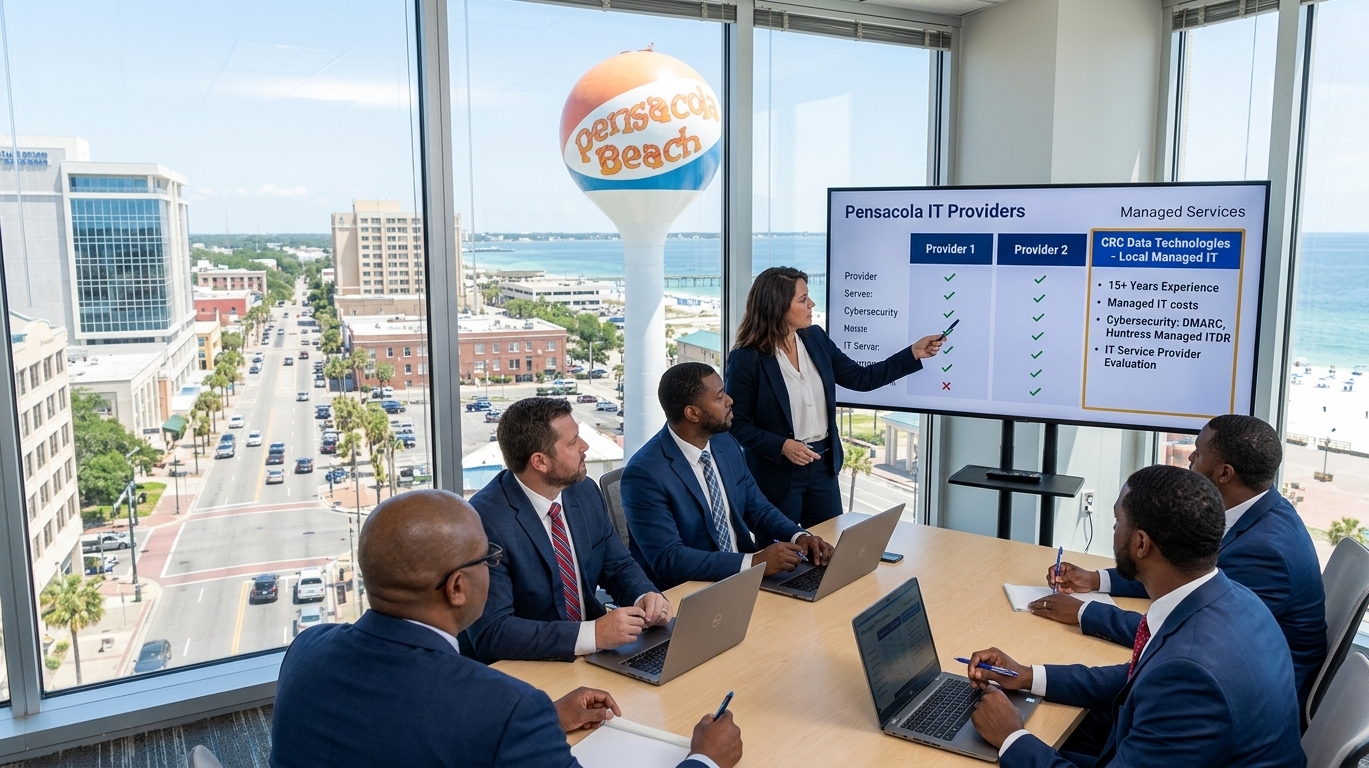
Here's a practical checklist to help you compare providers side by side.
1. Ask About Response Time
Find out exactly how fast they respond when something breaks, and get it in writing as part of a service level agreement (SLA). "Fast" means different things to different companies. A one-hour response guarantee is very different from a same-day promise.
2. Look for Proactive Monitoring
The best small business tech support doesn't just wait for a call. They monitor your network, servers, and devices in the background around the clock, often catching failing hardware or suspicious activity before you ever notice a problem.
3. Check Their Security Know-How
Cyberattacks aren't just a "big company" problem. Small businesses are actually targeted more often, since they tend to have weaker defenses and fewer dedicated security staff. Ask what specific protections they offer against ransomware, phishing emails, and unauthorized access, and ask how they'd walk you through a breach if one happened.
4. Ask About Backups and Disaster Recovery
A trustworthy provider should be able to explain, in plain terms, exactly how your files are backed up, how often, and where those backups are stored. Ask how quickly you could realistically be back up and running after a hurricane, flood, fire, or ransomware attack.
5. Get Clear, Flat-Rate Pricing
Look for predictable monthly pricing rather than surprise hourly bills. Many managed IT providers charge a per-user or per-device monthly rate, which makes budgeting far easier than paying hourly rates that can vary wildly month to month.
6. Read Local Reviews
Check Google reviews and the Better Business Bureau, and ask other Pensacola business owners who they use. A direct recommendation from someone you trust can save hours of research and reveal issues that don't show up in marketing materials.
7. Confirm They Understand Your Industry
A medical office, a law firm, and a retail shop all have very different technology and compliance needs. A healthcare practice needs a provider familiar with HIPAA data requirements, while a retail business needs someone who understands point-of-sale systems and payment card security. Choose a provider with real experience in businesses like yours.
What Does IT Support Typically Cost?
Pricing varies based on company size, number of devices, and level of service, but most managed IT providers charge using one of these models:
Per-user pricing: A flat fee for each employee who needs support, often covering their computer, email, and software.
Per-device pricing: A flat fee for each computer, server, or piece of equipment covered.
Tiered packages: Basic, standard, and premium plans with increasing levels of monitoring, security, and response time.
Ask any provider for a clear breakdown of what's included at each tier, and what would trigger an additional charge.
Questions to Ask Before You Sign a Contract
Before committing to any provider, ask:
What's included in the monthly price, and what costs extra?
How quickly can someone be on-site if needed, and is that guarantee written into the contract?
Do you offer support after hours or on weekends?
What happens if we outgrow your services or need to scale down?
Can you provide references from other local businesses, ideally in our industry?
What's your process if we experience a data breach or ransomware attack?
A good provider will answer these clearly and without hesitation. Vague or evasive answers are a red flag worth paying attention to.
The Bottom Line
Finding the best IT support for your Pensacola business doesn't have to be overwhelming. Focus on a provider that responds quickly, explains things in plain language, monitors your systems proactively, protects your data before problems happen, and has a proven track record with local businesses like yours. The right partner will feel less like a vendor and more like a member of your team, one who keeps your technology running so you can focus on what you do best.